TL;DR
- Secrets end up in logs far more often than anyone admits. A debug line prints a connection string, an HTTP client puts an API key in the query string or a span attribute records an
Authorizationheader. - Masking with regular expressions only catches the formats you thought of in advance. It is worth doing but it should be the second line of defence and not the first.
- The first line is OpenBao. A secret that expires within the hour or never leaves OpenBao in the first place is not worth much to whoever finds it in a log.
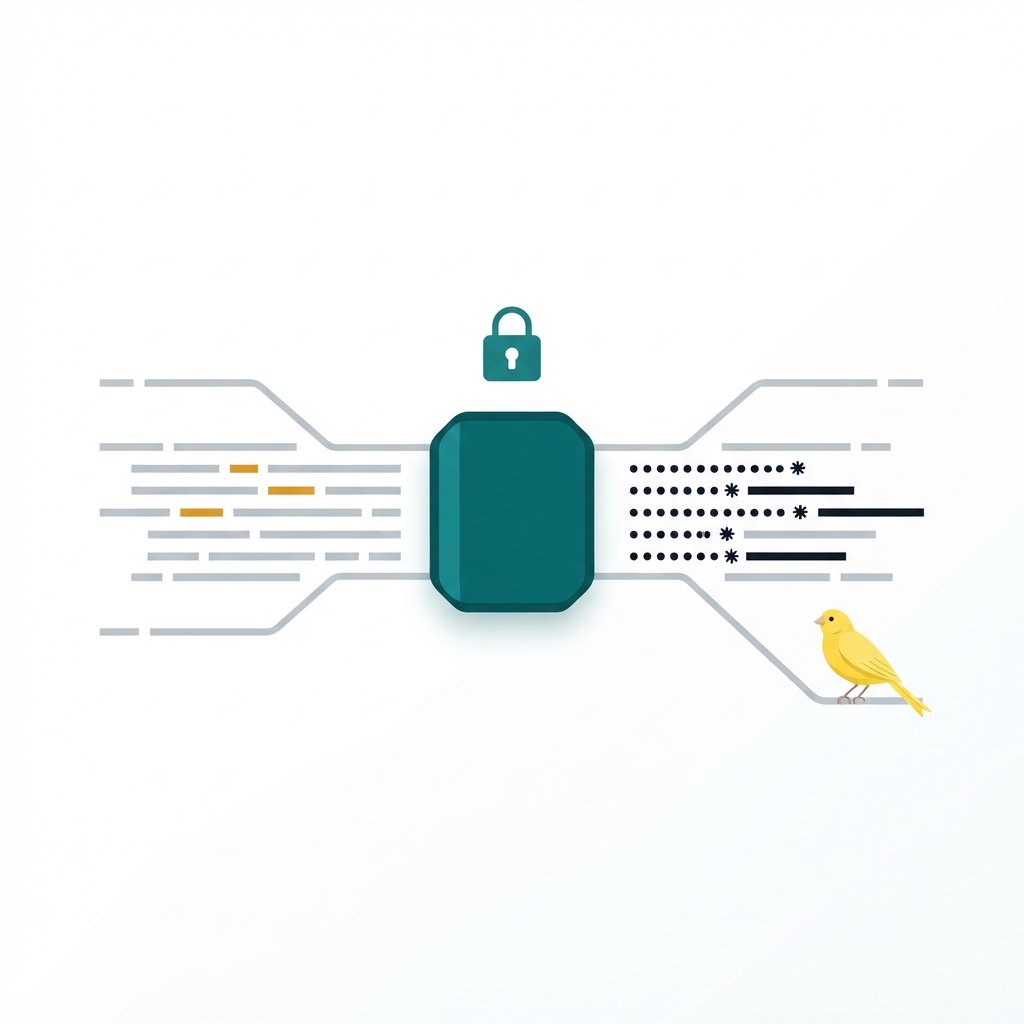
- Mask in the OpenTelemetry Collector that runs next to the application so the secret never crosses the network. The redaction processor handles attributes and the transform processor handles the log body.
- Then prove it works with a canary credential that raises an alert if it ever reaches the log store, and a CI test that runs known secrets through the collector configuration.
Most secrets reach logs through libraries and instrumentation
It is easy to forget how many places a secret can end up in a log. HTTP access logs and trace spans record the full URL including the query string, so any client that sends an API key as ?key= or ?access_token= writes it out on every request. Database drivers print the connection string when they fail to connect. Stack traces include the arguments of the function that threw. Debug logging dumps the whole configuration object at start-up, and sooner or later someone turns debug on in production to chase a problem and forgets to turn it off again.
In most of these cases nobody logged the secret on purpose. It is a library, a framework or an instrumentation agent doing something reasonable with data it does not know is sensitive. Telling people to be careful does not fix that, so we look at it in three layers. We make the secret worth as little as possible, we strip what we can recognise before it leaves the host and we check regularly that both are still working.
Layer one: make a leaked secret worthless with OpenBao
The cheapest secret to leak is the one that has already expired. We wrote about dynamic credentials with OpenBao and Vault recently. Instead of a database password that lives for years the application asks OpenBao for a user when it starts and that user is deleted when the lease ends:
bao read database/creds/myapp
If that username and password turn up in a log next week they no longer work. The leak still needs cleaning up but it is no longer an incident.
Not every secret can be dynamic. A third party API key is static by nature and for those we use the Transit engine, which we covered in Encryption as a service with OpenBao Transit. The configuration file only ever holds vault:v1:... ciphertext and the plaintext exists in the process environment and nowhere else. A config dump in a log or a crash report then shows ciphertext, which is useless without a token allowed to decrypt it.
OpenBao's own audit log shows the pattern to copy
OpenBao itself is a good example of the pattern we want everywhere else. Its audit log records every request and every response, yet it does not write secret values in plaintext. Each sensitive string is replaced with an HMAC-SHA256 of the value using a key that lives inside OpenBao.
Since OpenBao 2.3.2 audit devices can no longer be created through the API by default, following CVE-2025-54997. From 2.4.0 the preferred way is to declare them in the server configuration file:
audit "file" "file" {
  description = "Local audit log"
  options = {
    file_path = "/var/log/openbao/audit.log"
  }
}
On HashiCorp Vault, or on OpenBao with unsafe_allow_api_audit_creation = true, the CLI still works:
bao audit enable file file_path=/var/log/openbao/audit.log
You can still prove that a given secret was read by asking OpenBao to compute the same HMAC with bao write sys/audit-hash/file input=... and searching for the result. You cannot go the other way.
There is an option called log_raw=true that turns this off and writes everything in plaintext. It is useful for debugging on a laptop. Please do not enable it on a server whose audit log you then ship to your central logging with OpenTelemetry, because you have just copied every secret OpenBao hands out into a second system with much weaker access control. Declaring the audit device in the configuration file helps here too, because only someone who can change the server configuration can turn it on.
Layer two: mask in the collector agent, before the secret crosses the network
We run an OpenTelemetry Collector as an agent on every host or as a DaemonSet on Kubernetes, and a pool of gateway collectors behind it. We wrote about that layout in How to set up OpenTelemetry collectors. Masking belongs in the agent and not in the gateway. If you mask in the gateway the secret has already crossed the network and sat in a queue, and if you mask in the backend it is already stored.
| Where the masking runs | What has already happened to the secret |
|---|---|
| Agent collector on the same host | Nothing yet, because it has not left the host. This is where we mask. |
| Gateway collector | It has crossed the network and sat in a queue. |
| Log backend | It is already stored, and removing it is expensive. |
The redaction processor masks attributes
The collector has two processors for this job. The redaction processor works on attributes, which is where HTTP instrumentation records URLs and headers. It can remove keys you do not expect and mask values that match a list of patterns:
processors:
  redaction:
    allow_all_keys: true
    blocked_values:
      # AWS access key IDs
      - "AKIA[0-9A-Z]{16}"
      # JSON Web Tokens
      - "eyJ[A-Za-z0-9_-]+\\.[A-Za-z0-9_-]+\\.[A-Za-z0-9_-]+"
      # OpenBao and Vault service, batch and recovery tokens
      - "\\b(hv)?[sbr]\\.[A-Za-z0-9]{24,}"
    summary: info
The token pattern covers both formats on purpose. Vault 1.10 and later issues tokens starting with hvs., hvb. and hvr. while older releases used s., b. and r., and OpenBao has used the older form. Check which one your own cluster issues with bao token create -ttl=1m before you trust the pattern.
Set allow_all_keys deliberately. With an empty allowed_keys list and allow_all_keys: false the processor removes every attribute, which is safe but leaves you with very little to debug with. We start with allow_all_keys: true and masking by value, and move to an explicit list of allowed keys for services that handle payment or personal data. The processor can also mask by key name with blocked_key_patterns, which is a simple way to catch any attribute called something like .*token.* whatever its value looks like.
The transform processor cleans the log body
The log body is plain text and for that we use the transform processor with OTTL statements. Recent releases of the redaction processor also apply blocked_values to the log body, but we still keep the body rules explicit here. They work on older collectors and they are easy to read in review. Here we also delete attributes we never want to keep and remove credentials from query strings:
processors:
  transform/secrets:
    log_statements:
      - context: log
        statements:
          - replace_pattern(body, "AKIA[0-9A-Z]{16}", "****")
          - replace_pattern(body, "eyJ[A-Za-z0-9_-]+\\.[A-Za-z0-9_-]+\\.[A-Za-z0-9_-]+", "****")
          - replace_pattern(body, "\\b(hv)?[sbr]\\.[A-Za-z0-9]{24,}", "****")
          - replace_pattern(body, "(?s)-----BEGIN [A-Z ]*PRIVATE KEY-----.*?-----END [A-Z ]*PRIVATE KEY-----", "**** private key ****")
          - replace_pattern(body, "(?i)(password|passwd|secret)=[^\\s&]+", "$$1=****")
          - delete_key(attributes, "http.request.header.authorization")
          - delete_key(attributes, "password")
    trace_statements:
      - context: span
        statements:
          - replace_pattern(attributes["url.full"], "([?&](key|token|api_key|access_token)=)[^&]+", "$$1****")
          - replace_pattern(attributes["url.query"], "((^|&)(key|token|api_key|access_token)=)[^&]+", "$$1****")
The double dollar in $$1 is not a typo. The collector expands $ in its configuration as an environment variable, so a capture group has to be escaped.
The private key pattern only works if the whole key arrives as one log record. The filelog receiver reads one line at a time by default, so a PEM block in a log file becomes one record per line and the pattern never sees BEGIN and END together. Set multiline.line_start_pattern on the filelog receiver so a stack trace or a key stays in one record.
Hash the values you still need to correlate
Sometimes you need to know that two log lines refer to the same user or the same customer without storing who they are. Deleting the value loses that, so we replace it with a hash instead:
- set(attributes["user.id"], SHA256(attributes["user.id"])) where attributes["user.id"] != nil
The redaction processor can do the same with hash_function: hmac-sha256 and an hmac_key of at least 32 bytes. We prefer the keyed version for anything guessable such as an email address, because a plain SHA256 of an email can be reversed by hashing a list of email addresses. Keep that key in OpenBao like any other secret and not in the collector configuration in Git.
Put both processors first in every pipeline
service:
  pipelines:
    logs:
      receivers: [filelog, otlp]
      processors: [memory_limiter, transform/secrets, redaction, batch]
      exporters: [otlp]
    traces:
      receivers: [otlp]
      processors: [memory_limiter, transform/secrets, redaction, batch]
      exporters: [otlp]
Regular expressions cannot catch a password that looks like a word
None of this catches a password that looks like an ordinary word. A regular expression can recognise AKIA followed by sixteen characters because AWS chose a recognisable format. It cannot recognise correct-horse-battery-staple in the middle of an error message, and if you write a pattern that does you will also mask half of your useful logs. This is the reason layer one comes first. The secrets you cannot recognise are exactly the ones that need to be short lived or kept out of the application entirely.
It is also much cheaper to stop a secret than to remove it afterwards. In ClickHouse an ALTER TABLE ... DELETE is a mutation that rewrites every data part containing a matching row, and on a busy log table that is a lot of disk I/O for one line. A lightweight DELETE is cheaper but only hides the row until a later merge removes it from disk. In Loki you are looking at the deletion API and compaction rewriting chunks, and in both cases any backup or replica taken in the meantime still has the secret. We have been spending a lot of time on how log data is laid out in ClickHouse lately for PulsusDB, an open source project we will be talking about soon, and none of it makes a delete cheap.
Layer three: prove the masking works with a canary token and a CI test
A masking rule that nobody tests will break quietly the first time someone edits the collector configuration. We test it in two ways.
A canary token raises the alarm in production
The first is a canary. We create an OpenBao token that can do nothing useful and plant it in the application configuration next to the real secrets:
bao token create -orphan -policy=default -ttl=8760h \
  -display-name=canary-myapp -field=token
The default policy allows little more than looking up, renewing and revoking the token itself, so if it leaks the worst anyone can do is learn that it is a canary. -orphan keeps the canary alive if the token that created it is revoked later. The TTL is capped at the maximum configured for tokens, which is 32 days by default, so check the real expiry with bao token lookup and either raise the maximum or recreate the canary on a schedule.
If the token ever appears unmasked in the log store our masking has failed and we want to know immediately. In Loki that is a ruler alert on the token value and in ClickHouse a scheduled query against the log table. There is a second trigger for free. Anyone who finds the token and tries to use it will show up in the OpenBao audit log with the display name token-canary-myapp, which is worth an alert of its own.
A CI test catches broken masking before it ships
The second is a test in CI. We keep a file of fake secrets in every format we mask, run it through the same collector configuration with a file receiver and a file exporter and fail the build if anything comes out unmasked:
# test/collector-test.yaml
receivers:
  filelog:
    include: [test/fixtures/secrets.log]
    start_at: beginning
exporters:
  file:
    path: /tmp/out.json
service:
  pipelines:
    logs:
      receivers: [filelog]
      processors: [transform/secrets, redaction]
      exporters: [file]
#!/usr/bin/env bash
set -euo pipefail
out=/tmp/out.json
rm -f "$out"

timeout 10 otelcol-contrib \
  --config config/processors.yaml --config test/collector-test.yaml || true

if [[ ! -s "$out" ]]; then
  echo "collector produced no output, check the configuration" >&2
  exit 1
fi

if grep -Eq 'AKIA[0-9A-Z]{16}|-----BEGIN [A-Z ]*PRIVATE KEY|(hv)?[sbr]\.[A-Za-z0-9]{24}|eyJ[A-Za-z0-9_-]+\.[A-Za-z0-9_-]+\.' "$out"; then
  echo "unmasked secret found in collector output" >&2
  exit 1
fi
Without the empty output check, a collector that fails to start produces no file, grep finds nothing and the build passes.
The fixture file is the useful part. Every time something slips through in real life the line that leaked goes into it, so the same mistake cannot come back.
Frequently asked questions
How do secrets end up in application logs?
Usually through libraries and instrumentation that log data they do not know is sensitive. HTTP access logs and trace spans record full URLs including query strings, database drivers print connection strings when they fail to connect, stack traces include function arguments, and debug logging can dump the whole configuration object at start-up.
Where should secrets be masked in an OpenTelemetry pipeline?
In the agent collector that runs on the same host or as a DaemonSet next to the application. Masking in the gateway means the secret has already crossed the network and sat in a queue, and masking in the backend means it is already stored.
What is the difference between the redaction and transform processors?
The redaction processor removes unexpected attribute keys and masks attribute values that match a list of regular expressions, optionally with an HMAC instead of a fixed mask. The transform processor runs OTTL statements, which we use for the log body, for deleting specific attributes and for removing credentials from URL query strings.
Why does the OpenBao audit log not contain secrets?
OpenBao replaces each sensitive string in its audit log with an HMAC-SHA256 of the value, using a key held inside OpenBao. The sys/audit-hash endpoint computes the same HMAC for a known value so it can be searched for, but the log cannot be reversed. Setting log_raw=true turns this off and should never be used on a server whose audit log is shipped elsewhere.
How do you test that log masking works?
A canary token with only the default policy is planted next to real secrets and raises an alert if it appears unmasked in the log store or is ever used against OpenBao. Alongside it, a CI test runs a fixture file of fake secrets through the same collector configuration and fails the build if anything comes out unmasked.
Can regular expressions catch every secret?
No. They catch secrets with a recognisable format, such as AWS access key IDs, JWTs and Vault or OpenBao tokens. They cannot recognise a password that looks like an ordinary word, which is why short-lived credentials from OpenBao come first and masking is the second line of defence.
Secrets management and logging as a managed service
Most of the effort goes into an OpenBao or Vault cluster that hands out dynamic credentials to every application, an OpenTelemetry pipeline that is configured the same way on every host, and alerts that someone actually reads. That is what we build and run for customers with 24x7 managed services.
If you are not sure what is sitting in your logs right now, get in touch at digitalis.io/contact-us.