When we take over the running of a platform, one of the first things we usually find is a database password that is older than most of the team. It lives in a wiki page, in a few shell histories, in a CI variable that nobody dares to touch, and in the head of somebody who left two years ago. Rotating it means a change request, a maintenance window and a list of applications that nobody is completely sure about, which is why it never gets rotated.
Dynamic credentials remove the thing being protected rather than protecting it better. This post covers why static secrets fail the way they do, how the database and SSH secrets engines fix that by construction, why we standardise on OpenBao, and the workflow problem that stops most teams from getting the benefit. That last part is why we wrote a desktop client and made it open source.
A static password is a secret with no expiry date
I once watched a penetration tester at a large financial institution gain access to a production database because a DBA had left a plaintext file containing the password on his laptop. It was a hard lesson for everyone, and the only good part of it was that a tester found it rather than an attacker. The consequences could have been dire.
And do not get me started on sharing passwords over Slack or Teams.
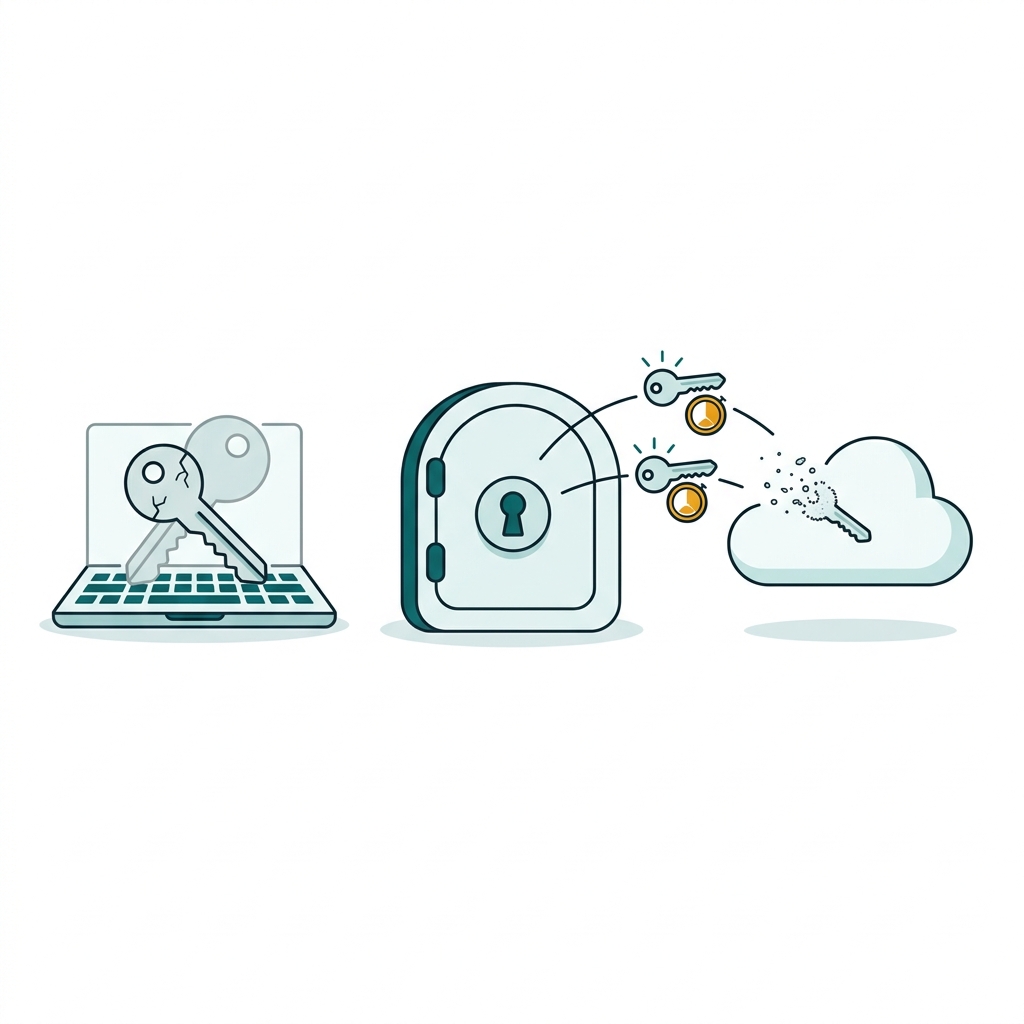
The problem is not password strength. However many special characters you use, and whether or not the passphrase is a line of poetry, the password is static. Once somebody else has hold of it, you are done for, and you usually have no way of knowing that it happened.
SSH keys have the same shape. They are ubiquitous now, and every cloud environment expects one for login, but the private key sits on a work laptop. If you lose control of that laptop you have a long list of places where access has to be revoked. Even if you can remember them all, it may already be too late.
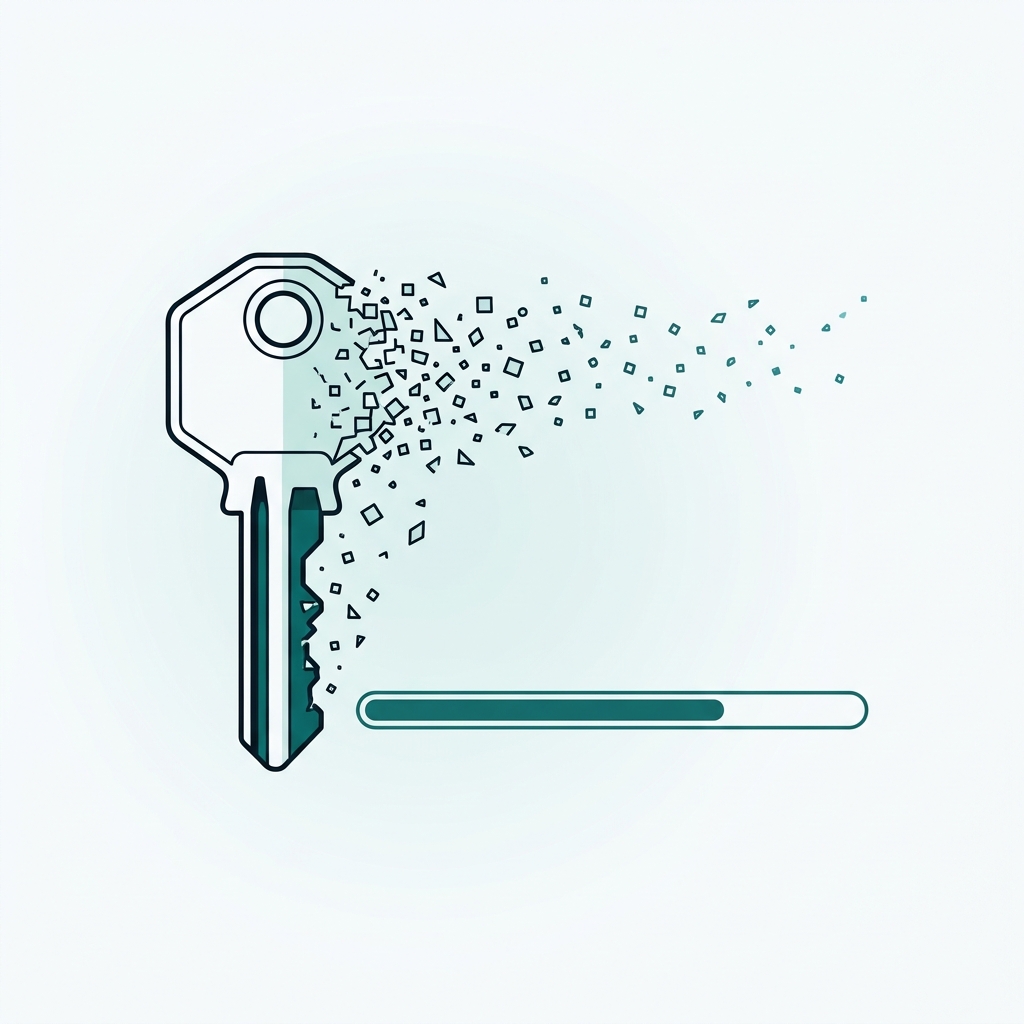
A dynamic credential is created on request and deleted on expiry
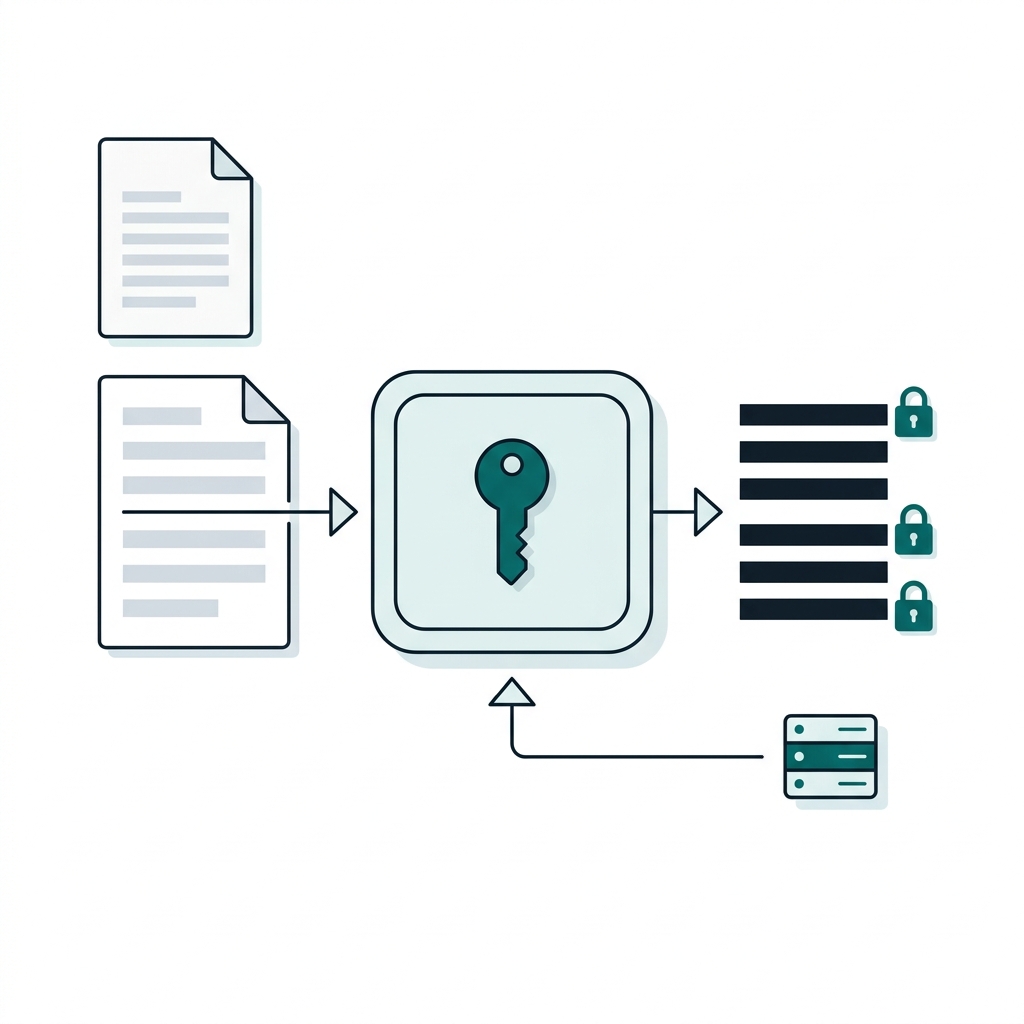
Dynamic credentials turn the model around. Instead of storing a password, the secrets manager holds a privileged connection to the database and a recipe for creating users. When I ask for access, it creates a brand new database user for me, hands me the username and password together with a lease, and drops that user again when the lease runs out.
This is the role we use in our test environment, which gives read-only access to PostgreSQL for ten minutes at a time:
bao write database/roles/readonly \
  db_name=postgres \
  creation_statements="CREATE ROLE \"{{name}}\" WITH LOGIN PASSWORD '{{password}}' VALID UNTIL '{{expiration}}'; GRANT SELECT ON ALL TABLES IN SCHEMA public TO \"{{name}}\";" \
  default_ttl=10m \
  max_ttl=1h

bao read database/creds/readonly
Everything that was wrong with the shared password is now fixed by construction rather than by policy.
| Question | Shared static password | Dynamic credential |
|---|---|---|
| Who ran this query? | One account in the audit log, used by everyone and everything. | A username that maps to one person and one request. |
| When does access end? | When somebody remembers to rotate it, which is to say never. | At the end of the lease, whether or not anyone is paying attention. |
| How do I revoke one engineer? | Rotate the password, then find every application that used it. | Revoke one lease. Nobody else notices. |
| What is the blast radius of a leak? | Everything the account can reach, for as long as the password lives. | One role's permissions, for the remainder of a short TTL. |
The same idea applies to SSH. The SSH secrets engine will either sign your public key into a certificate that is valid for half an hour, or issue a one-time password that a PAM helper on the server verifies and then throws away. In both cases you get to delete the authorized_keys files that nobody has reviewed since the server was built.
In both cases, if you do lose control of the credential, there is only a very short window in which it is worth anything to an attacker.
We have been using dynamic credentials for databases for years. We wrote vals-operator a long time ago for exactly this purpose, so that passwords for our Kubernetes applications rotate automatically.
We use OpenBao because the engines we need are in the open source build
We compared HashiCorp Vault and OpenBao when the licence changed, and more recently we wrote about migrating from Vault Enterprise to OpenBao or free Vault. The short version of our position is that OpenBao is a Linux Foundation project under an OSI-approved licence, the database engine, the SSH engine, PKI and OIDC login are all in the open source build, and the HTTP API is the one your tooling already speaks. We use it ourselves for PKI and for dynamic database credentials, and we run it for customers alongside Vault.
Because the two share an API, everything in this post works against Vault as well.
Dynamic credentials fail on workflow, not on technology
The technology is the easy part. What we see going wrong is the daily workflow around it.
An engineer who is paged at three in the morning needs a database prompt in front of them in seconds. The secure route is to log in to OpenBao, remember which mount and which role to use, read the credential, copy a generated username and a generated password, and assemble a psql command around them. The insecure route is the password in the wiki. Under pressure people take the route that works first, and once the shared password has been used during an incident it has quietly become the process again.
SSH is worse, because signing a key means saving the result under exactly the right filename and knowing which ssh options make the client use it. Sharing a secret with a colleague has the same shape: response wrapping gives you a token that reveals the secret exactly once and tells you if somebody else got there first, but very few people remember the commands, so the secret goes into a chat message instead.
None of this is a criticism of the CLI, which is fine for automation. It is simply complex, and without the right tooling it can be cumbersome for a human being in a hurry.
Transikey makes the secure path the quick one
Transikey is a desktop client for OpenBao and HashiCorp Vault that we wrote to close that gap. It is a single Flutter codebase that builds for macOS, Windows and Linux, it is open source under Apache 2.0, and it talks to the standard HTTP API, so it needs nothing installed on the server.
You sign in with a token, userpass, LDAP, OIDC through your browser, or AppRole. From there the screens follow the jobs people actually have. In the database section I pick a role and press one button, and the card shows the username and password masked until I choose to reveal them, a countdown for the lease that goes from green to yellow to red, and buttons to renew or revoke it. Underneath is the part I use most, which is a ready-made command that I can paste straight into a terminal:
PGPASSWORD='<password>' psql -h 'db.internal' -p 5432 -U '<username>' -d 'orders'The SSH section does the same for both engines. I upload my public key, the app has it signed and offers to save the certificate next to the key, and then gives me the ssh -i ... -o CertificateFile=... command to go with it, or it generates a one-time password and the matching ssh line. The sharing section wraps a secret and produces a transikey:// link that opens the recipient's app with everything filled in, plus a bao unwrap one-liner for anyone who does not have the app.
A client for a secrets manager is a tempting target, so we were deliberate about it
| Decision | What it prevents |
|---|---|
| The token is held in memory and in the operating system keystore, nowhere else. | A token sitting in a config file that gets backed up, synced or copied. |
| Secrets stay hidden until you ask to see them, and the clipboard is cleared after thirty seconds. | Shoulder surfing, screen sharing, and a password living in the clipboard all afternoon. |
| The session locks itself when you walk away. | An unlocked laptop being an unlocked route into production. |
| Logs record the method, the path and the status of each request, never a header or a body. | Credentials leaking into a log file or a support bundle. |
Generated commands pass passwords in environment variables such as PGPASSWORD, not as arguments. |
The password showing up in ps output and in shell history. |
| The client refuses to follow HTTP redirects. | A redirect quietly sending your token to a server you did not choose. |
| Signing out revokes the tokens the app obtained for you, and leaves a token you pasted in alone. | Revoking the root token of your own test server on day one, which is how I learnt this. |
Transikey is a release candidate, and we would rather say so
We develop and test it on macOS. The Windows and Linux packages are built by the release pipeline and have had far less attention, nothing is code signed yet, and OIDC follows the same flow as vault login -method=oidc but has not been tried against many identity providers.
Trying it takes one command, because the test environment ships with it
The repository includes a complete test environment, because a client for a secrets manager is not much use without a secrets manager to point it at. One command starts OpenBao in dev mode together with PostgreSQL, OpenLDAP and an SSH server that trusts OpenBao certificates and one-time passwords, and configures the policy, the roles and the test users:
git clone https://github.com/digitalis-io/transikey.git && cd transikey
make gen        # fetch packages and generate code
make dev-up     # OpenBao, PostgreSQL, OpenLDAP and an SSH target
make run        # start the app
Packages for the three platforms are on the releases page. The policy in dev/init.sh is worth reading even if you never run the app, because it is the complete list of what a human user needs in order to work this way, and it is shorter than most people expect. If you try it, tell us what breaks. Windows and Linux reports are the most useful thing you could send us right now.
The client is the last ten per cent of the job
The rest is an OpenBao or Vault cluster that is highly available, unsealed automatically, backed up in a way that has been proven by a restore, wired to your identity provider, and connected to databases whose applications have been moved off their static passwords one at a time without an outage. That is the work we do for customers, and we support what we build with 24x7 managed services.
If a password older than your team is still in a wiki somewhere, the useful time to talk about it is before the next audit rather than after it.