Why people are moving
We wrote a while back about choosing a secrets storage, comparing HashiCorp Vault and OpenBao, and it is still one of the posts we get asked about the most. Since then the conversation has changed. It used to be about the Business Source Licence and what it meant philosophically. Now it is about the invoice.
Customers come to us when the Enterprise renewal lands and someone in finance asks what exactly they are paying for. The answer, more often than not, is a handful of features they do not use. Namespaces for a company with one team. Performance replication for a cluster that lives in a single region. Sentinel policies that nobody has written since the proof of concept. The KV engine, the PKI engine, the database engine and OIDC login all work perfectly well in the free Vault build and in OpenBao.
OpenBao is the fork the community created when the licence changed, and it is now a Linux Foundation project under an OSI approved licence. We use it ourselves for PKI and for dynamic database credentials, and we run it for customers. Free Vault is the other option and it is the least disruptive one, because the binary and the API are the same, you simply give up the Enterprise features. Either way, the same problem shows up first: how do you get everything out of the old cluster and into the new one.
Why you need a migration tool
The instinct is that this is easy. Export the secrets, import the secrets, done. That instinct is wrong, and it is wrong in the expensive direction.
Your KV data is the small part. What keeps a Vault cluster working is everything around it: the auth methods and every role under them, the ACL policies those roles reference, the mount tuning with its TTLs, the PKI issuers, the transit keys, the database connection configuration, the audit devices. In every environment we have migrated, a good chunk of that was created by hand years ago during an incident or a rushed onboarding, and it exists nowhere except in the running cluster. Terraform covers some of it. It never covers all of it.
There are tools that do the secret data well. medusa is the one we use and it handles KV v1 and v2 bulk export and import properly. There was nothing that did the configuration, so we wrote it.
How the tool works
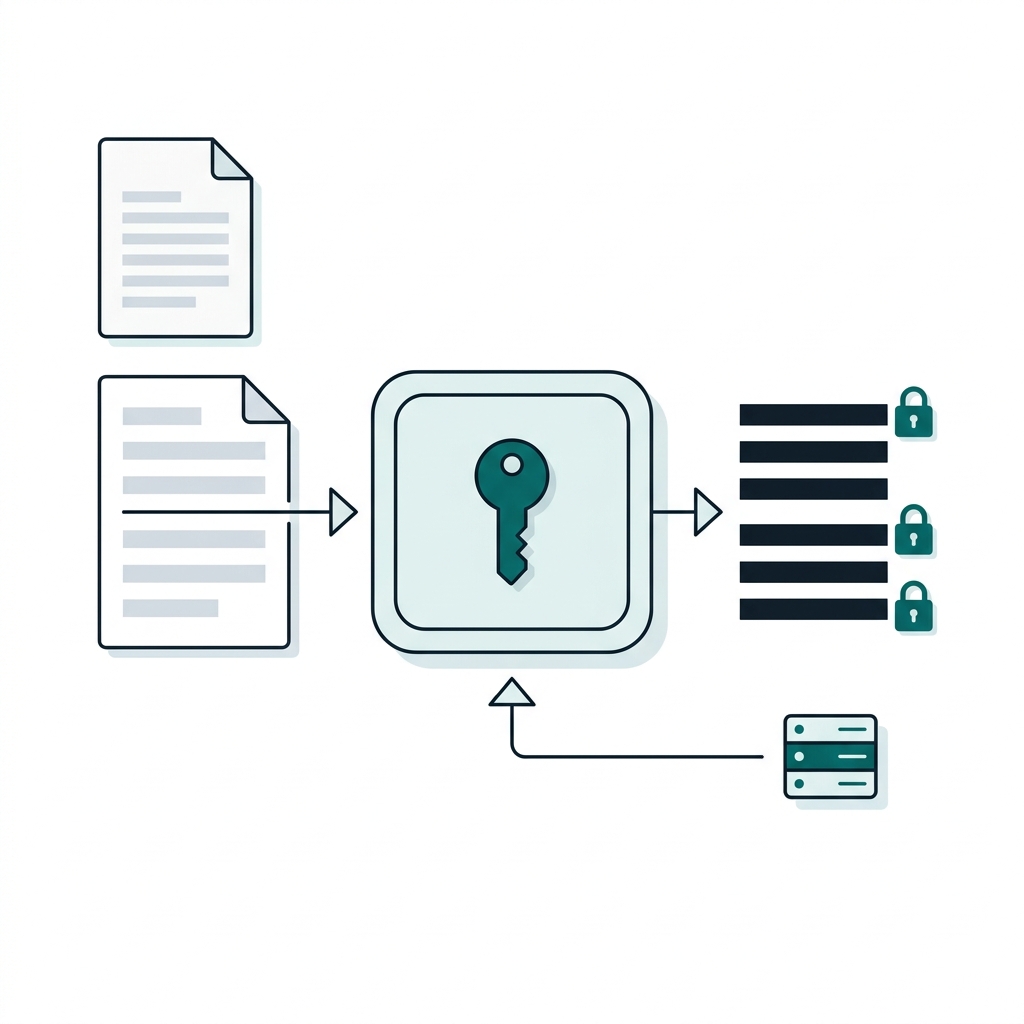
The tool is a set of Bash scripts, deliberately. No Go binary to build, no state file to corrupt, nothing that makes a decision you cannot see. It shells out to the vault CLI, writes plain JSON and HCL to disk, and you can read every file before anything touches the destination.
# Export everything from the source cluster
./export/export-all.sh --config config/source.env

# Look at what you got. It is all JSON and HCL on disk.
ls data/source-prod/
# auth/  policies/  secrets-engines/  secrets/  audit/

# See what the import would do, without doing it
./import/import-all.sh --config config/destination.env --dry-run

# Then run it for real
./import/import-all.sh --config config/destination.env
What it exports
The export walks the auth mounts and probes every sub-resource path it knows about for that method type, so OIDC gets its roles, providers and keys, AppRole gets its roles with the role IDs preserved, LDAP gets its users and groups, Kubernetes and the cloud auth methods get their roles and configuration. Secrets engines get the same treatment, including PKI issuers, transit keys, database static roles and AWS and GCP rolesets.
The import runs in the only order that works, policies before auth, engines before data, and it checks whether each resource already exists before creating it, so you can run it twice without making a mess.
Fields Vault won't take back
The details that cost us time are the ones that will cost you time too. We found all of these the slow way, by reading 400 errors, and the import now handles them for you.
| Resource | What the import does |
|---|---|
| AppRole roles | Strips local_secret_ids |
| Kubernetes auth | Strips an empty alias_name_source |
| GCP roles | Strips the read-only role_id |
| GCP roles | Converts bound_labels from the object Vault exports into the array of strings Vault expects back |
Anything that still fails goes to import-errors.log with the full message, because a migration that silently drops one role is worse than one that stops and tells you.
What it cannot do
This is the part we would rather you read before the maintenance window than during it.
| Item | Why it does not transfer | What to plan for |
|---|---|---|
| Userpass passwords | Vault will never give them out, and no tool can change that. | Users are imported with a temporary password and have to reset it. |
| AppRole secret IDs | Ephemeral by design. | Applications generate new ones. |
| Tokens | They belong to the cluster that issued them. | Every client re-authenticates after the cutover. |
| TLS certificate private keys | Not readable. | Upload them again. |
| Dynamic secrets and leases | Checked-out database credentials and cloud keys stay on the old cluster with their lease, and lease IDs mean nothing on the destination. | Restart anything using dynamic secrets once it points at the new cluster. |
| Identity entities and groups | Not exported yet. | Recreate them separately. |
| Auth mount accessors | They change when mounts are recreated. | Update anything that references an accessor by ID. |
| Namespaces | Handled individually. | Migrate them one at a time. |
| Sentinel policies | They export fine but only import into Enterprise, which is the whole point of leaving. | Rewrite them as ACL policies or as OPA. |
None of this is a blocker. All of it is a thing you have to have decided about in advance, with the application teams, before anyone touches the destination cluster.
Where we come in
The tool is open source and you are welcome to it. What we sell is the part around it.
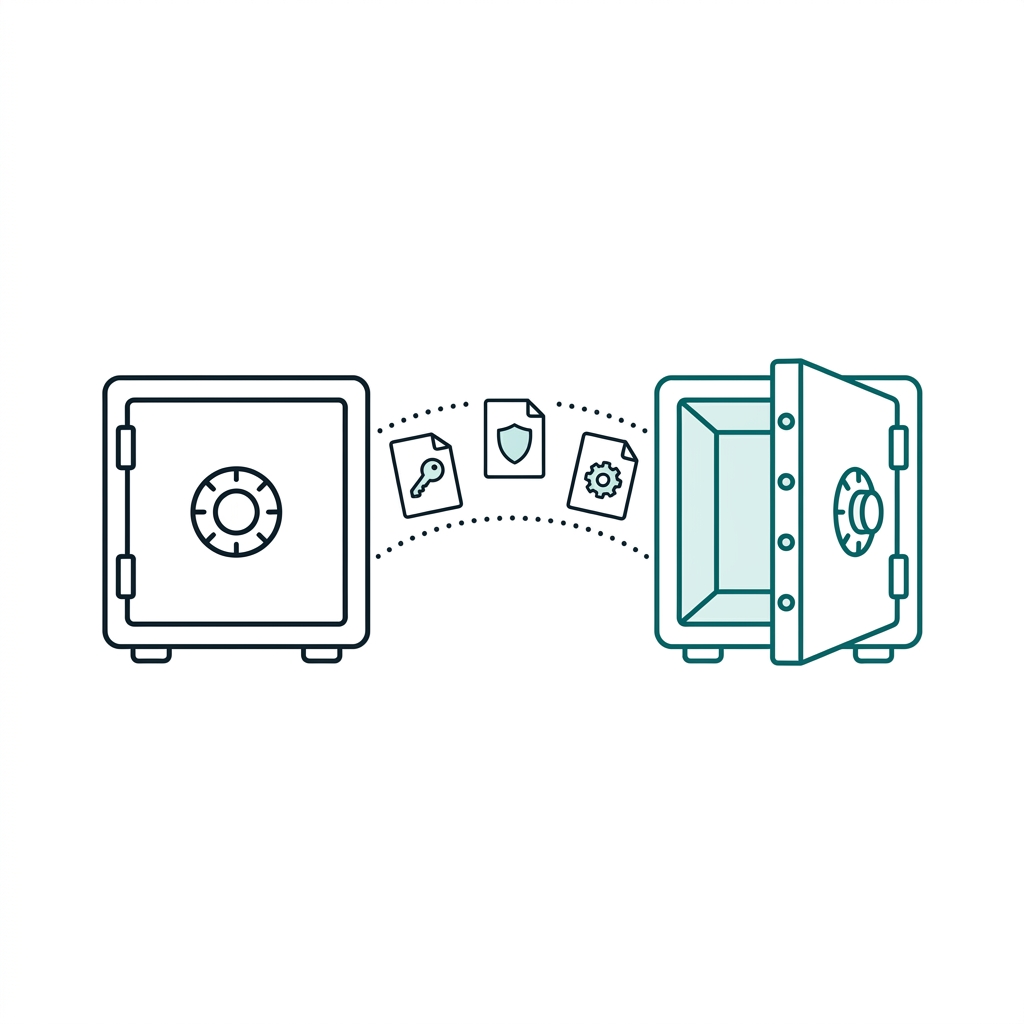
A Vault migration is not really a data problem, it is a coordination problem. Somebody has to work out which applications authenticate how, which of them will survive a token becoming invalid and which will quietly fall over at three in the morning two days later. Somebody has to build and harden the destination cluster, pick the storage backend and the auto unseal, prove the restore works, run the migration in a staging environment first, sequence the cutover so the applications move in an order that makes sense, and stay on the end of a phone while they do. Then somebody has to run the thing afterwards.
That is what we do. We have been deploying and operating Vault and OpenBao for customers for years, including regulated environments where the change control matters more than the change, and we support what we build with 24x7 managed services.