In the last post I showed how to give Kafka clients short-lived certificates from OpenBao. It works well, but a colleague made a good point after reading it. Kafka connections tend to stay open for a very long time, so the benefit of rotating certificates every few hours is smaller than it looks. Worse, if renewal breaks nobody notices until the application restarts, possibly days later.
They have a point, and it is the reason I promised to look at SASL OAUTHBEARER next. I built a second lab to see whether it closes that gap. It does. I also found something on the way that I'd want every Kafka admin to know about before they turn OAuth on.
OAUTHBEARER makes Kafka check identity again on open connections
With mTLS the broker checks the client certificate during the TLS handshake and never again. SASL is different because Kafka can make a client authenticate again on a connection that is already open. You turn it on with connections.max.reauth.ms on the broker. From then on the client has to present a valid token at least that often or the broker closes the connection.
So the token TTL now means what you'd expect it to mean. If a token stops being renewed, the client is cut off shortly after it expires, whether it opened its connection five seconds ago or five days ago.
How re-authentication works on an open connection
A normal connection is trusted from the moment it authenticates until it closes. That is exactly how mTLS behaves, and it is the gap we're trying to close. With connections.max.reauth.ms=60000 the broker tells the client its session lasts one minute, or less if the token expires sooner. This is what happens in the lab:
- The billing app connects and authenticates with its two-minute token. The broker gives the session a lifetime of 60 seconds.
- In the background the agent fetches a new token from OpenBao every 30 seconds and overwrites
billing-service.jwt. - The Kafka client refreshes its own token before it expires by reading the file again, so it always holds one of the newer tokens.
- Before the 60 seconds are up the client authenticates again on the same connection with that token. Nothing reconnects and the producer doesn't notice.
- The broker validates the new token and starts a new session. The cycle repeats every minute.
If the agent stops, the file stops changing and the client is left with its last token. The broker never lets a session outlive the token it was opened with. Once that token expires the client has nothing valid left to present and the broker closes the connection. That is why, in the test below, the connection dropped in the same second the token expired.
It also makes revocation quick. Disable the application's entity in OpenBao and the agent can no longer get tokens for it. Within one token lifetime the application is off Kafka, however long its connection has been open.
The lab: OpenBao 2.4, one Kafka 4.4 node and a long-lived producer
Everything is in github.com/digitalis-io/kafka-oauthbearer-openbao. It is the same shape as the mTLS lab: OpenBao 2.4 in dev mode, a single Kafka 4.4 node, an OpenBao Agent and a producer. This time the producer is a single long-lived process sending a message a second, because the long connection is the thing we want to test.
git clone https://github.com/digitalis-io/kafka-oauthbearer-openbao.git
cd kafka-oauthbearer-openbao
./setup.sh
./test.sh
OpenBao can sign Kafka tokens without a separate identity provider
You don't need Keycloak or another identity provider for this. OpenBao's identity engine can sign JWTs and publishes its public keys at /v1/identity/oidc/.well-known/keys for the broker to check them against.
bao write identity/oidc/config issuer=http://openbao:8200
bao write identity/oidc/key/kafka algorithm=RS256 allowed_client_ids=kafka \
  rotation_period=24h verification_ttl=24h
bao write identity/oidc/role/kafka key=kafka client_id=kafka ttl=2m \
  template='{"kafka_principal": {{identity.entity.name}}}'
Setting the issuer explicitly matters, because the broker will check it in the next step. OpenBao adds /v1/identity/oidc to it, so the iss claim in every token is http://openbao:8200/v1/identity/oidc.
The template is the part I like most. The kafka_principal claim is copied from the name of the OpenBao entity that asked for the token, and the application has no say in it. We bind the billing service's AppRole to an entity called billing-service. Anything logging in with that AppRole gets tokens for User:billing-service and nothing else. One role serves every application, and adding a new one is a case of creating an entity and an ACL.
Configure the broker to check signature, issuer and audience
The client listener only accepts OAUTHBEARER over TLS. Inter-broker and admin traffic stay on mTLS with the certificates from the previous lab.
listener.name.client.sasl.enabled.mechanisms=OAUTHBEARER
listener.name.client.oauthbearer.sasl.server.callback.handler.class=org.apache.kafka.common.security.oauthbearer.OAuthBearerValidatorCallbackHandler
sasl.oauthbearer.jwt.validator.class=org.apache.kafka.common.security.oauthbearer.BrokerJwtValidator
sasl.oauthbearer.jwks.endpoint.url=http://openbao:8200/v1/identity/oidc/.well-known/keys
sasl.oauthbearer.expected.issuer=http://openbao:8200/v1/identity/oidc
sasl.oauthbearer.expected.audience=kafka
sasl.oauthbearer.sub.claim.name=kafka_principal
connections.max.reauth.ms=60000
The jwt.validator.class line looks redundant. It isn't, and the next section explains why. The expected issuer and audience are not optional either: from Kafka 4.4.0 a broker with a JWKS URL refuses to start without both.
Check your Kafka version before you enable OAuth
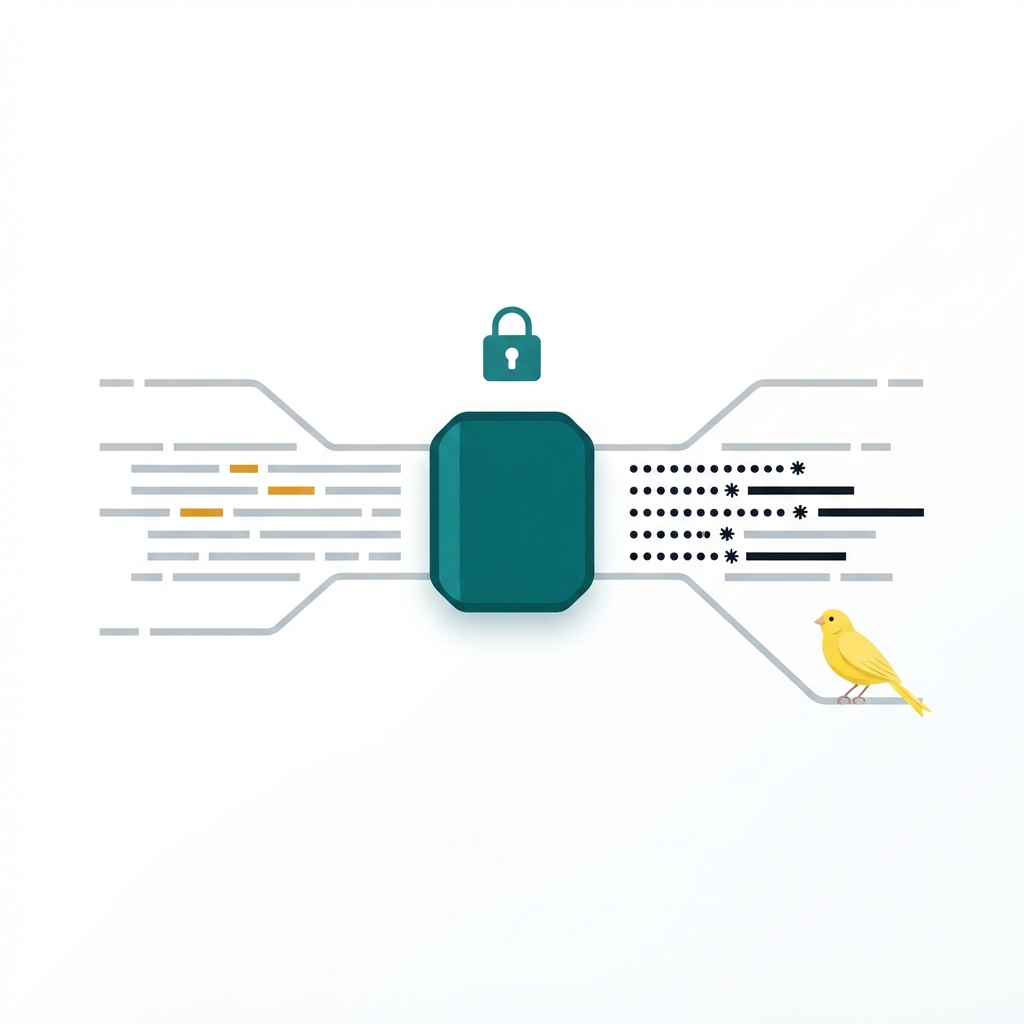
I started this lab on Kafka 4.1.0 because that's what the mTLS lab used. One of the tests forges a token: the same claims and the same key ID as a real one, but signed with a random RSA key the broker has never seen. I expected it to fail. It didn't, and the forged message ended up on the topic.
That turned out to be CVE-2026-33557. In 4.1.0 and 4.1.1 the default validator falls back to one that never checks the signature, the issuer or the audience. Anyone who can reach the listener can be any principal they like, including a super user. A related issue, CVE-2026-110985, has the same effect on brokers where the JWKS URL isn't set.
| Kafka version | Status |
|---|---|
| 4.0.x and earlier | Not affected by either CVE |
| 4.1.0, 4.1.1 | Signature never checked CVE-2026-33557 |
| 4.1.2, 4.2.0, 4.2.1, 4.3.0 | Checked only when sasl.oauthbearer.jwks.endpoint.url is set CVE-2026-110985 |
| 4.2.2, 4.3.1, 4.4.0 and later | Fixed |
The fix is to upgrade. If you can't, naming BrokerJwtValidator explicitly as above does the job. We tested that on 4.1.0 and the same forged token was rejected with invalid_token. I've left the line in the lab on 4.4.0 anyway, because I'd rather not depend on a default that has already been wrong once.
A third advisory from the same batch, CVE-2026-110952, covers the issuer and audience checks. From 3.1.0 to 4.3.2 the broker only checks them when sasl.oauthbearer.expected.issuer and sasl.oauthbearer.expected.audience are set. 4.4.0 makes both mandatory. Set them on older versions too.
When upgrading, go to 4.2.2, 4.3.2 or 4.4.0. 4.3.1 fixes the OAuth issues above but not several others announced on 28 October 2026, and the 4.1 branch no longer receives fixes.
Test with a token that should fail
Nothing looks broken on an affected broker. Genuine clients work, the logs are clean, and the only way to find it is to present a token that should be rejected. If you run OAuth on Kafka 4.1 today, test it with a forged token this week.
The client reads its token from a file written by OpenBao Agent
Nothing in the application knows about OpenBao. The agent logs in with AppRole and writes a new token to a file every 30 seconds:
template {
  destination = "/tokens/billing-service.jwt"
  contents    = "{{ with secret \"identity/oidc/token/kafka\" }}{{ .Data.token }}{{ end }}"
}
Kafka's FileJwtRetriever reads that file every time the client refreshes its token, so the producer picks up new tokens without a restart:
sasl.mechanism=OAUTHBEARER
sasl.login.callback.handler.class=org.apache.kafka.common.security.oauthbearer.OAuthBearerLoginCallbackHandler
sasl.oauthbearer.jwt.retriever.class=org.apache.kafka.common.security.oauthbearer.FileJwtRetriever
sasl.oauthbearer.token.endpoint.url=file:///tokens/billing-service.jwt
sasl.oauthbearer.sub.claim.name=kafka_principal
One thing caught me out. Kafka 4 refuses any OAuth URL that isn't on an allow list, and that includes file:// paths. The client failed with The URL cannot be accessed due to restrictions until I added -Dorg.apache.kafka.sasl.oauthbearer.allowed.urls=file:///tokens/billing-service.jwt to KAFKA_OPTS. The broker needs the same for its JWKS URL.
When renewal stops, the broker drops the connection at token expiry
This was the result I was after. With the agent running, the producer sent 151 messages over two and a half minutes on a single connection, through several token refreshes, with no errors. Then I stopped the agent:
token exp       10:17:54
first failure   10:17:54  NetworkException: Disconnected from node 1
The broker dropped the connection the moment the token expired. Compare that with the mTLS lab, where the producer kept writing for almost two minutes on an expired certificate. When I started the agent again, the same process was sending within about ten seconds, because the client retries its refresh every ten seconds. No restart was needed.
That also answers the second half of my colleague's comment. A broken renewal is no longer something you find out about days later. It fails within one token lifetime, visibly, and recovers on its own once the agent is back.
mTLS or OAUTHBEARER: which should you use?
If you already run mTLS everywhere and your clients reconnect often, the previous approach is simpler and perfectly fine. If your applications hold connections open for days, and most do, I'd go with OAUTHBEARER. The TTL actually means something, the client holds no certificate or key of its own, and you can still cut somebody off immediately by removing their ACL. Just make sure you're on a patched version.