Introduction
Since AI technology emerged, programming has experienced the greatest impact. LLMs are powerful tools that accelerate planning and development phases of most applications. At digitalis.io, we were early AI adopters. We help customers run private LLMs when privacy is essential, assist partners and customers in implementing agents for their software, and apply AI extensively.
When you have a hammer everything is a nail
I am honestly surprised when I read early reports like this one that AI assisted development can have a detrimental impact as this is far from our combined experience in at digitalis.io. Even our most senior developers that initially expressed skepticism they have now embraced the brave new world and ripping up the benefits.
There numerous tools and ways to do AI assisted development and, if you’re interested in the technology sector, I’m sure you have read many blogs about the subject. I want to bring your attention to how we do it. We must be something right, I think, because our productive increased drastically since we adopted them.
Not all tools are made equal
The first thing to discuss is the tooling. There are many options available now, and we use different ones depending on the use case. For example, in environments where privacy is critical, such as banking, we use local LLMs with Llama.cpp and in-house tools. For open source projects, we favour other approaches, with Claude Code being the clear favourite for all of us.
In the rest of this blog, I will focus on Claude Code and how we use it, bearing in mind that these tips apply to most AI coding tools.
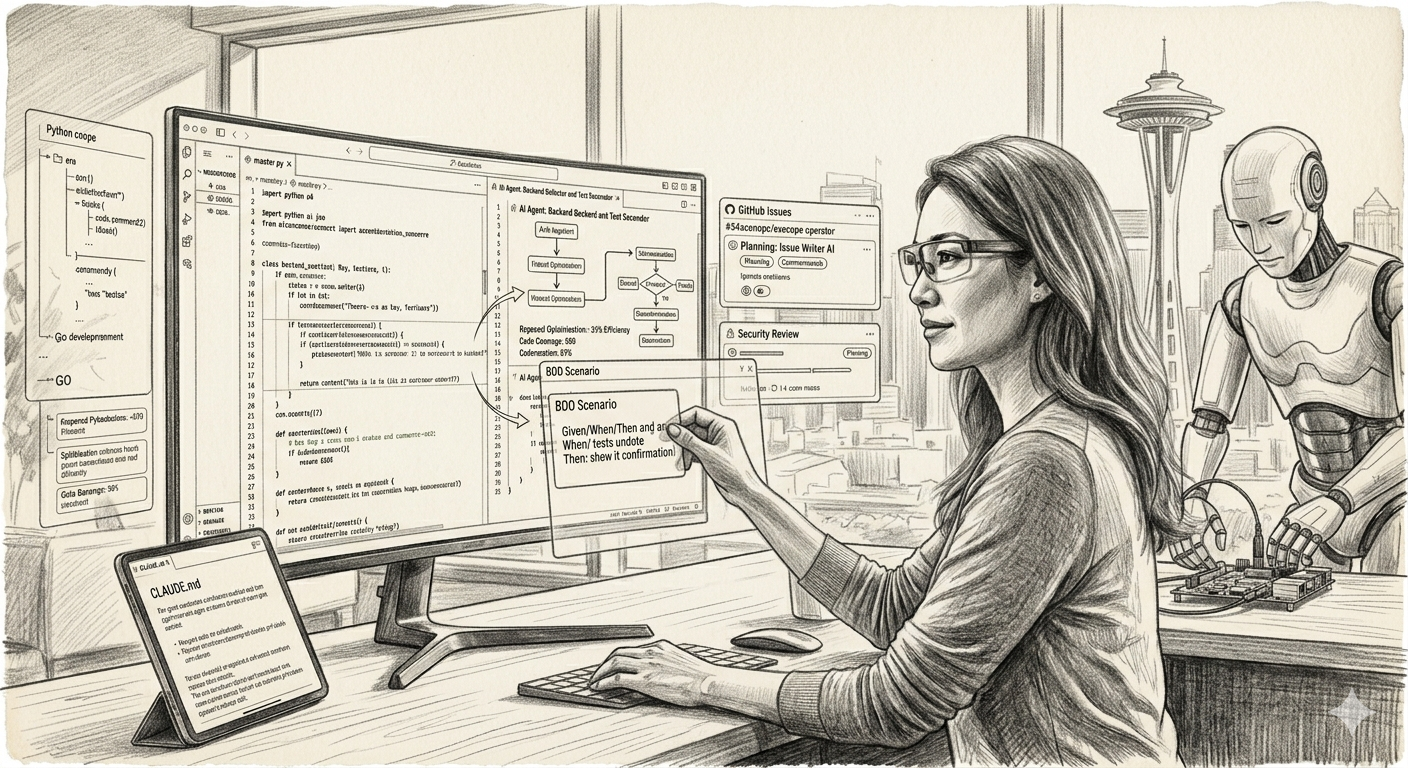
Hallucinations, over complications and ramblings
When I first started coding with AI, the biggest issue was the amount of hallucinations it suffered. I do most of my programming in Python and GoLang and LLMs kept referring to non-existing libraries and functions. It was actually a bit tiring to have to clean the code up after the AI session.
Then, it tended to over engineer the work adding lots of functions where a simple “if” would do and taking lots of “detours” to reach a final conclusion.
The most recent LLM are a lot better at this and it does not happen as often. Interestingly I wrote a iPhone app for a customer 6 months ago and it took me 2-3 days to have it up and running after lots of prompting, re-prompting and swearing. Yesterday, I got Claude to update it and it did a sterling job with no errors.
New LLMs are not the only reason coding is much better experience. The tools themselves are also much better. And the techniques I’ll explain below go a long way to convert your coding from amateur to pro.
AI Grounding
Most companies and projects use some kind of task manager to keep track of the work to be done and the details of each task. For example, Jira and GitHub Issues are very common.
AI also needs a focal point, something that prevents it from losing attention and drifting into unrelated work. So why not use a task manager for that?
That’s exactly what we do. We ask Claude to create GitHub Issues containing the plan for each task it will perform. You launch Claude Code, switch to “planning mode”, and describe what needs to be done in as much detail as possible. Then you ask it to create a plan and generate a GitHub Issue with that plan.
There is then the testing. Claude and you will want to test the feature after it is implemented, so you need a way to describe the idea clearly. What should you use? Hint: Large LANGUAGE model. You need natural language that both you and the AI can read and understand.
Behavior-driven development (BDD) fits this perfectly. BDD is a way of describing software behaviour using plain language examples, usually in a “Given / When / Then” format, so that developers, testers, product people and now AI systems can all share the same understanding of how a feature should work. For example:
- Given a user is logged in
- When they click “Save” on their profile
- Then their changes should be stored and a confirmation message shown
Because BDD scenarios are written in structured natural language, they are ideal for prompting AI: you can ask Claude to generate tests, test data, or even implementation details based on these examples, and you can both “read” and reason about the same specification.
axonops-operator/test/bdd/adaptive-repair.feature at main · axonops/axonops-operator
And what’s best, you don’t need to write them. AI will write the BDD for you, you just need to review it to make sure it makes sense from a human perspective.
AI Agents
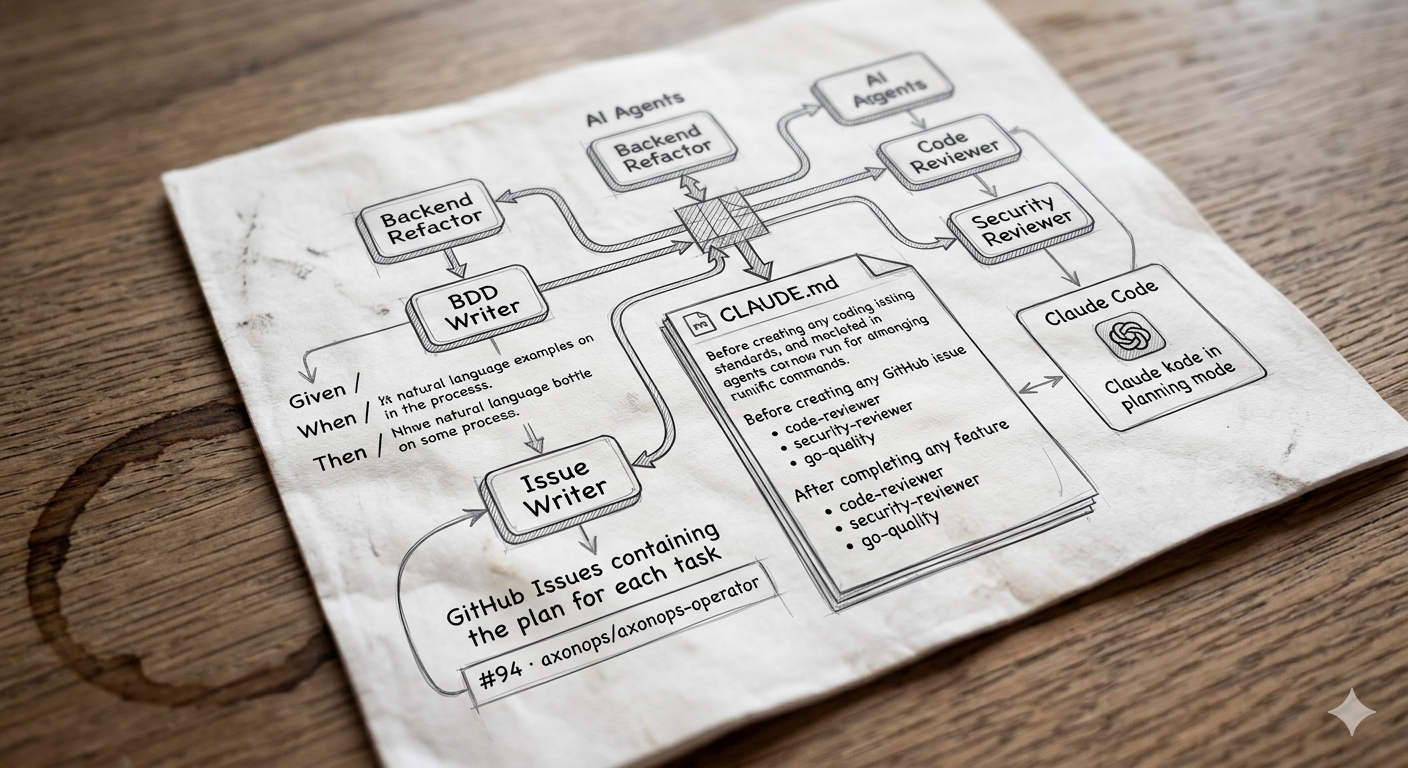
One of the best features in Claude Code is the use of agents. Agents are specialised “personas” or configurations that you set up to handle a particular kind of task or workflow. They encapsulate instructions, context, and sometimes tools or repositories, so that you don’t have to repeat the same prompts or explanations every time.
With an agent, you can, for example, have one configured as a backend refactoring assistant, another as a documentation editor, and another as a test-writer. Each agent remembers its role, coding style, and preferred patterns, and stays focused on that job. This means you get more consistent suggestions, fewer irrelevant digressions, and a workflow that feels closer to pairing with a dedicated specialist rather than a general-purpose chatbot.
I have agents to write GitHub Issues, agents to validate code, agents to write code, and agents to test. Because each agent is customised for a specific task, it becomes much better at that job than a generic, default setup.
On top of that, agents can run in parallel and still communicate with each other. This means, for example, that you can have one agent drafting the BDD scenarios while another is composing the corresponding GitHub Issue, keeping both in sync without extra manual coordination.
The Glue
Claude Code uses CLAUDE.md as the main driver of its actions. CLAUDE.md is a special markdown file that Claude Code reads automatically when it starts working in a directory. You use it to tell Claude how to behave in that project: coding standards, architecture notes, important commands, and “do/don’t” rules.
We also use it to instruct it how to use agents. You just need to add instructions like:
### Before creating any GitHub issue:
Run the **issue-writer** agent. Every issue must have: summary, detailed requirements, numbered acceptance criteria, specific testing requirements (named tests, not "add tests"), documentation requirements, dependencies, and labels. If any section is missing or vague, rewrite it before creating.

### After completing any feature:
1. **code-reviewer** — on all changed files
2. **security-reviewer** — on any code touching TLS, HTTP, credentials, or external input
3. **go-quality** — as a final gate before commit
This instructs Claude Code to use agents and which one to use depending on the use-case.
Hacking it
You may have noticed we’ve done a lot of work but no coding at all so far. This is exactly how it should be. Planning and preparation are the most important phases for ensuring a great product. But now we’re finally ready to hit the red button and unleash the power of AI!
(Insert as much maniacal laughter here as you like)
Because at this point Claude has all the information it needs, you just need to tell it “Work on GitHub issue #56” and watch it do its thing. Then, you test it, Claude testes it, everyone is happy, move on to the next.
Conclusion
To wrap up: pick the right tools for the job, ground the work in real issues and BDD scenarios, let focused agents do the heavy lifting, and use CLAUDE.md as your glue so everyone (and everything) stays on the same page.
Give this workflow a spin on your next task. Plan first, let your agents cook, and enjoy fewer hallucinations and more ta-da! If it makes your day 10% smoother, buy your favourite tester a coffee (or at least promise one in the Issue).
I for one welcome our new robot overlords