.png)
The Latency Tax: Why Global Scale Requires Local Speed
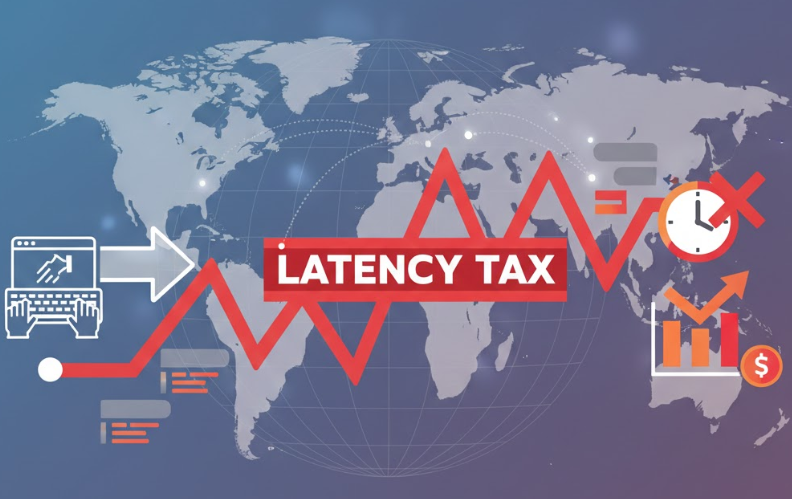
In a perfect world, your infrastructure is invisible. But for global teams, that invisibility disappears the moment a developer in Singapore has to wait twenty minutes for a repository clone from a London server. At Digitalis, we view this "latency tax" as a solvable engineering challenge, not an inevitable cost of doing business.
We specialize in the high-stakes plumbing of cloud-native environments, ensuring that your data and your tools are exactly where they need to be, when they need to be there. For GitLab users, solving the global distribution problem usually leads to one specific solution: GitLab Geo.
In this post, we’re breaking down how Geo bridges the gap between continents to keep your development velocity high and your disaster recovery plans solid.
Note: GitLab Geo is available only with GitLab Premium or Ultimate licenses.
Running GitLab at scale across multiple locations brings up some inevitable questions. What happens when your primary site goes down? How do you handle teams spread across continents struggling with slow repository clones?
That's where GitLab Geo comes in.
This is part one of a two-part series. Here we'll explore what Geo actually is, why you'd want it, and how it works under the hood. Part two gets into the configuration details - the practical stuff with examples for both local PostgreSQL and Google Cloud SQL.
What is GitLab Geo?
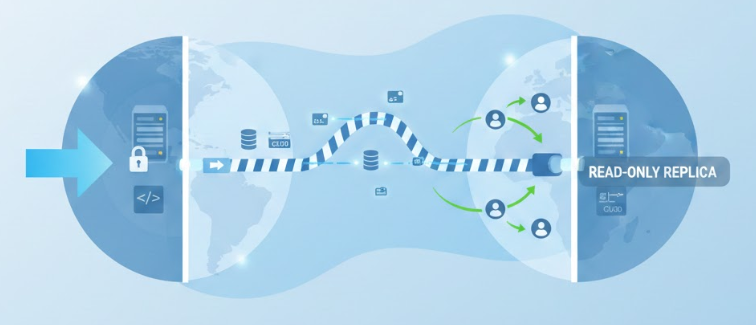
Think of Geo as maintaining synchronized copies of your GitLab instance across distributed sites. You've got one primary site handling all writes, and secondaries acting as read-only replicas.
Your main instance keeps operating normally. Geo automatically replicates everything - repositories, uploads, CI/CD artifacts, database changes - to secondary sites in other locations. Users at those secondary sites? They can clone repositories, browse code, run CI/CD jobs, all with local performance.
Here's the neat part: when someone tries to write from a secondary site (pushing code, creating an issue), GitLab proxies that request back to the primary. Automatically. The user doesn't need to know which site they're on.
Why Implement Geo?
Disaster Recovery
Let's talk about the scenario nobody wants to face. Your primary datacenter goes down - maybe it's a network partition, maybe hardware failure. Without Geo, development grinds to a halt. Teams can't access code, CI/CD pipelines stop, everyone's waiting.
With Geo? You've got a warm backup that's been continuously synchronizing. If the primary fails, you promote the secondary to become the new primary and keep teams working. Sure, there's a failover process (you should practice it before you need it), but we're talking minutes instead of hours.
And honestly, knowing you have that backup ready makes everyone sleep better.
Performance for Distributed Teams
Disaster recovery is critical, but the day-to-day performance improvements are what teams actually notice first.
Picture this: developers in London and Singapore. Without Geo, the Singapore team pulls large repositories from a London datacenter. Every git clone, every large file download crosses half the planet. Small repos? Annoying. Large monorepos with gigabytes of history or substantial binary assets? Genuinely painful.
With a secondary in Singapore, those operations become local. Repository clones happen faster. CI/CD jobs don't wait for transatlantic transfers. When you're running hundreds or thousands of pipeline jobs daily, it adds up.
How Geo Works
Primary and Secondary Sites
In a Geo deployment, you've got one primary site and one or more secondary sites.
The primary is your main instance - where all write operations happen. Someone pushes code, creates an issue, merges a request? That's written to the primary's database and storage.
Secondaries are read-only replicas continuously synchronizing with the primary. They're complete GitLab installations running in read-only mode. Not just caching proxies - they have their own application servers, storage, database infrastructure.
Users connecting to secondaries can read everything. Writes? Those get proxied back to the primary transparently.
The Database Architecture
Here's where it gets interesting.
The primary site uses a single PostgreSQL database for all GitLab data. Standard stuff.
The secondary site requires two PostgreSQL databases. Yes, two:
- Read replica of the primary database - a streaming replication replica receiving changes from the primary in near real-time
- Separate Geo tracking database - local database tracking what's actually been synchronized: which repositories are replicated, which artifacts downloaded, what's queued
Why two? Because the secondary needs to know both what the current state is (from the replica) and what it has successfully synchronized (from the tracking database). The tracking database is how Geo knows what work remains.
This two-database requirement surprises people. It's not just "connect to a replica and done" - there's specific infrastructure needed.
What Gets Synchronized
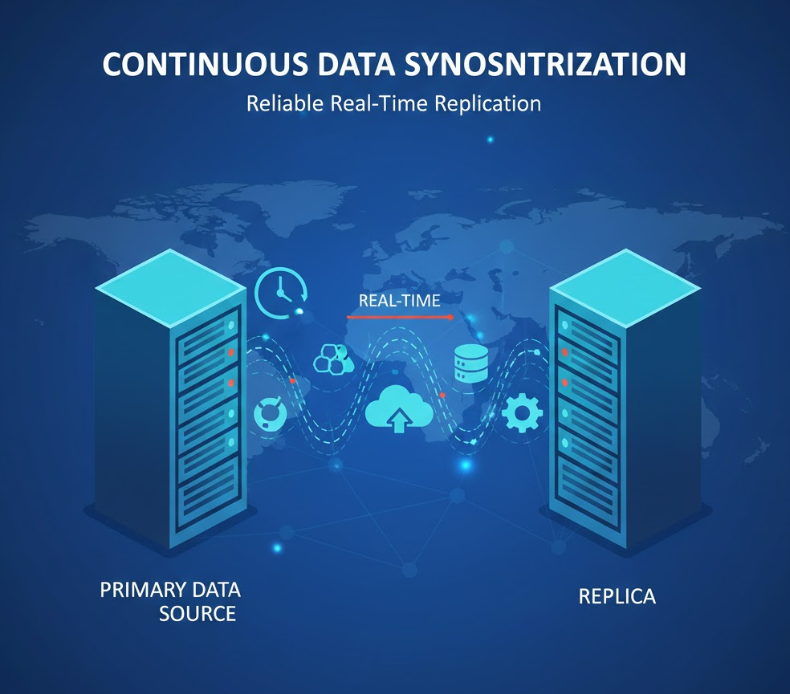
Geo handles several data types:
- Git repositories - using Git's native replication capabilities
- Database changes - via PostgreSQL streaming replication
- Files and uploads - user avatars, attachments, issue uploads
- LFS objects - large binary fi les stored separately
- CI/CD artifacts and packages - build artifacts, Docker images, dependencies
The synchronization? Continuous and automatic. As things change on the primary, Geo starts replicating to secondaries immediately.
Network Requirements
Your sites need to talk to each other over:
- Port 443 (HTTPS) - API communication between sites
- Port 22 (SSH) - git repository replication
- Port 5432 (PostgreSQL) - database replication streams
In cloud environments, that typically means VPC peering or private networking with proper firewall rules. The specifics vary by provider, but the principle stays the same.
When to Use Geo
Geo makes sense when you've got:
Geographically distributed teams - the further apart your teams are, the more dramatic the performance improvement. Continental distances matter.
Large repositories or heavy CI/CD - teams working with monorepos, extensive history, or running thousands of daily pipeline jobs see the biggest gains.
Compliance requirements - some industries require data in specific geographic regions. Geo helps meet those requirements while maintaining a unified experience.
Disaster recovery needs - organizations requiring documented recovery capabilities with defined RTOs get a tested, supported solution.
When Geo Might Be Overkill
Geo isn't always necessary. You might not need it if:
- Teams are in one location
- Repositories are small and latency isn't a problem
- Simple backup/restore meets your recovery needs
- You don't have Premium or Ultimate license (Geo isn't available on lower tiers)
Here's the thing: Geo adds operational complexity. You're managing multiple sites, additional database infrastructure, monitoring sync status, planning failover scenarios. That complexity pays off when the benefits are clear, but it's overhead worth considering.
Infrastructure Requirements
At the secondary site, you'll provision:
- GitLab application servers (same version as primary)
- Git storage infrastructure (Gitaly)
- Database infrastructure (both replica and Geo tracking database)
- Network connectivity with appropriate security
For external databases like Cloud SQL or RDS, you'll provision read replicas plus additional database instances. For bundled PostgreSQL, you'll configure streaming replication through gitlab.rb settings.
External vs. Local Databases
Your database setup determines how you'll configure Geo's additional database requirements.
If you're using external managed databases (Cloud SQL, RDS, Azure Database), you'll work with your cloud provider's tools to provision the secondary site infrastructure. This means creating read replicas through the cloud console and setting up a separate database instance for Geo tracking. The upside? Your cloud provider handles the replication mechanics, backups, and high availability. The configuration happens partly in your cloud console and partly in gitlab.rb.
If you're using bundled PostgreSQL, everything stays within GitLab's configuration. You'll set up streaming replication purely through gitlab.rb settings - no cloud consoles, no proxy services, no additional infrastructure to manage. GitLab's bundled PostgreSQL handles the replication setup based on your configuration. It's more self-contained, but you're responsible for managing PostgreSQL replication, monitoring, and backups yourself.
Both approaches work well for Geo. The path you take depends on what you're already running for your primary site.
What's Next
You should now understand what Geo is, why organizations implement it, and how the architecture works. That two-database requirement on secondary sites? The way synchronization happens continuously? When Geo makes sense for your setup?
In Part 2: Configuring GitLab Geo Step-by-Step, we'll get practical. We'll cover:
- Firewall and network configuration
- Database provisioning for both external and local setups
- Detailed gitlab.rb configuration for primary and secondary sites
- Site registration and testing procedures
- Common configuration issues (and how to fix them)
How Digitalis Can Help
Implementing GitLab Geo is a game-changer for developer experience, but as we’ve seen, it’s not exactly a "set it and forget it" feature. Managing multiple database streams, handling failover drills, and ensuring the health of the Geo tracking database requires a specific kind of expertise.
That’s where we come in. At Digitalis, we offer:
- Geo Readiness Assessments: We’ll look at your current architecture and help you decide if Geo is the right move, or if there are simpler ways to solve your latency issues.
- Full Implementation & Migration: Our team of experts can handle the setup, from networking and firewalling to database replication, ensuring a zero-downtime transition.
- 24/7 Managed Services: Want the benefits of a global, high-availability GitLab instance without the 2:00 AM pager alerts? We can manage your entire GitLab fleet for you, providing total operational peace of mind.
If you’re ready to stop worrying about repository latency and start scaling your global team with confidence, get in touch with us at Digitalis. We’ll help you build a DevOps platform that’s as fast and resilient as your team deserves.